How it Works
From setup to sign-off, FeedbackFalcon streamlines your entire feedback workflow.
Step 01
Installation
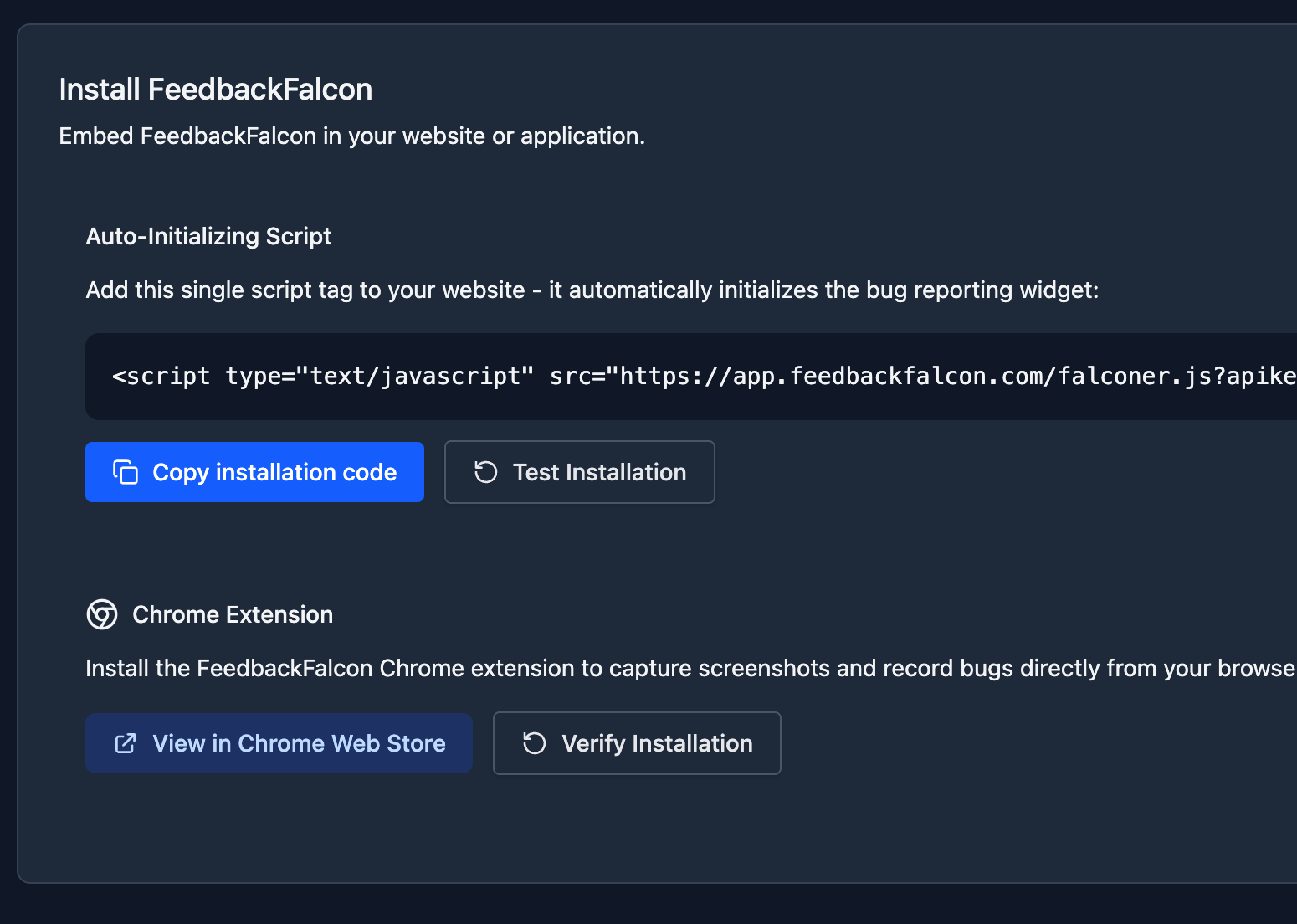
Get started in seconds. Add a simple script tag to your website's header, or install our browser extension for zero-code setup.
Step 02
Point & Click Reporting
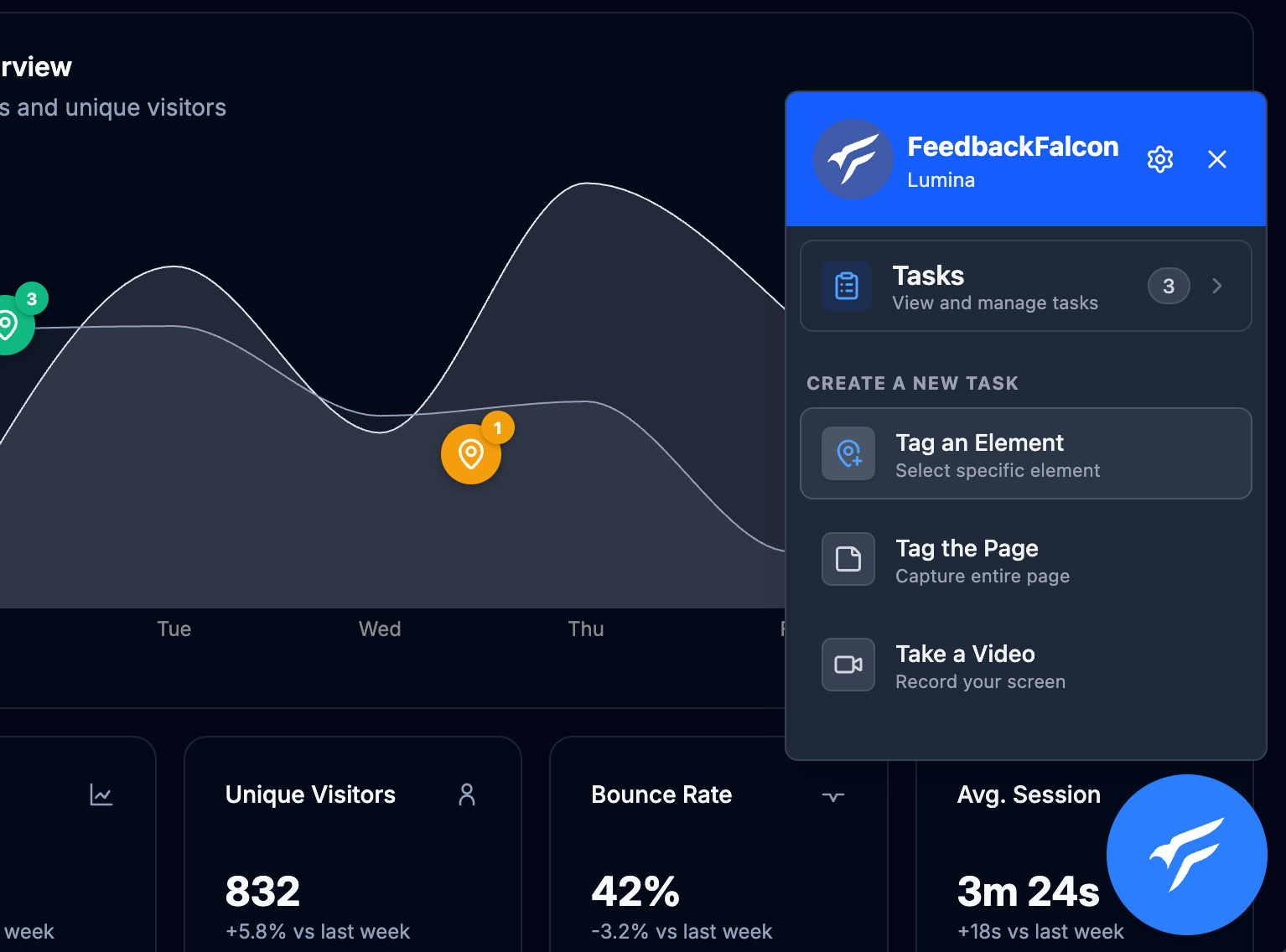
Clients and team members can click on any element on the page to leave feedback. It's as intuitive as using a sticky note.
Step 03
Kanban Triage
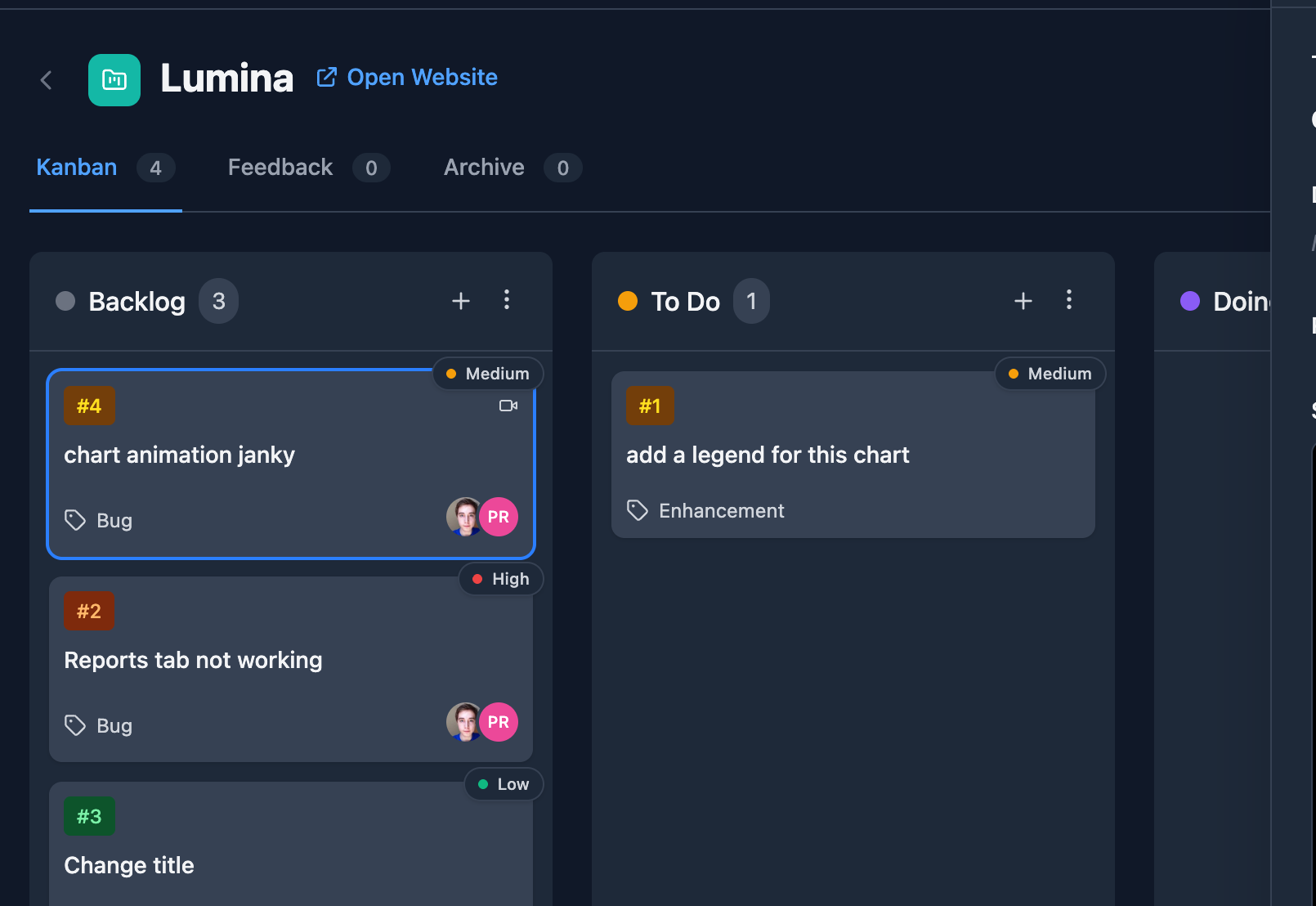
Feedback automatically appears in your Kanban board. Assign tasks, set priorities, and track progress without leaving the app.
Step 04
Resolve & Deploy
Developers get all the technical context they need. Fix the issue, update the status, and notify the reporter automatically.
Ready to streamline your
feedback loop?
Join thousands of development teams who save hours on QA and client communication every week.